I put a tic-tac-toe game on my own domain to finally understand DNS
A Flask tic-tac-toe game on AWS Lightsail, served at my own subdomain over HTTPS. Source: github.com/godot107/lightsail-tictactoe.
I have typed domain names into browsers for my whole life without really knowing what happens between the typing and the page. So I gave myself a small, concrete goal: put something on game.willieman.com, over HTTPS, and understand every step between the name and the server.
The something was a tic-tac-toe game, on purpose. A trivial app leaves nothing to hide behind: if the site does not load, the problem is DNS, the network or the certificate, not my code.

The path from a name to a page
This is everything that sits between a visitor and the game:
- The registrar’s nameservers. My domain is registered at Spaceship, and Spaceship also answers DNS questions about it. Running
dig NS willieman.comshows which nameservers are authoritative, and that is where records have to be edited. - One A record.
game→ the server’s IPv4 address. That is the whole of the DNS work. - A static IP on AWS Lightsail. A $5/month Ubuntu instance with a fixed address attached.
- Caddy, a web server that fetches and renews a Let’s Encrypt certificate by itself and forwards traffic to the app.
- Flask behind Gunicorn, running in Docker Compose.
The infrastructure is defined in CloudFormation, and a handful of numbered shell scripts run the whole deploy, from creating the server to checking the live site.

What I actually learned about DNS
You don’t need Route 53. I assumed hosting on AWS meant moving my DNS to AWS. It doesn’t. An A record is just “this name → this IPv4 address”, and it works the same whichever company’s nameservers publish it. I added one record in Spaceship’s dashboard and changed nothing else.

The IP has to be static before you point anything at it. A Lightsail instance’s default public IP changes when it stops and starts. A static IP stays the same, and it’s free while attached. Point DNS at the default address, and the first reboot silently breaks your site.
TTL is how long other resolvers may cache the answer. I set 300 seconds (5 minutes) because I expected to change the record. By the time I checked, Spaceship’s own nameservers, Cloudflare (1.1.1.1) and Google (8.8.8.8) all returned the new address. Querying the authoritative nameserver directly (dig game.willieman.com @launch1.spaceship.net) tells you whether the record exists. Querying a public resolver tells you whether the world can see it yet.
Only publish records you can actually serve. The static IP is IPv4 only, so I deliberately added no AAAA (IPv6) record. A browser that prefers IPv6 would otherwise try an address with nothing behind it. For the same reason it had to be a plain A record, not the registrar’s “URL forwarding” feature. A forwarding service answers on its own servers, so Let’s Encrypt would never reach mine.
HTTPS depends on DNS, so order matters. Let’s Encrypt proves you control a name by connecting to whatever that name resolves to. If the app starts before the A record exists, validation fails, and Let’s Encrypt rate-limits repeated failures. So I waited until the record resolved everywhere, then started the containers. The certificate was issued within seconds. I also checked for CAA records first: they restrict which certificate authorities may issue for a domain, and an unexpected one would have blocked Let’s Encrypt.
Deleting a server is not the end of the teardown. This was the lesson I least expected. When you release a static IP, AWS can hand that address to another customer. If your DNS record still points at it, your subdomain now serves their website. This is a real attack called a subdomain takeover. Deleting the A record is part of the teardown, not optional tidying. My teardown script ends by checking DNS and warning if the name still resolves, and I confirmed the name returned NXDOMAIN afterwards.
Things that broke along the way
Three problems were worth writing down:
- Every Gunicorn worker invented its own secret key. The app signs its session cookie with a key generated at import time, and each Gunicorn worker imports the app separately. So every worker had a different key, and a cookie signed by one worker failed on the next. With four workers, 24 of 30 page loads came back with an empty board. The fix: generate one key when the server first boots, and have every worker read it from the environment.
- Lightsail runs your startup script with
sh, notbash. It adds its own launch script in front of yours and runs the combination under/bin/sh, so my#!/bin/bashline was ignored and the first bash-only command killed setup. The script only runs on first boot, so the fix meant deleting and recreating the stack. That was painless only because DNS wasn’t pointing at it yet. - CloudFormation needed permissions my template never asks for. I deploy as a least-privilege IAM user rather than with admin keys. Creating a Lightsail instance through CloudFormation also calls start/stop, add-on and disk APIs, so a policy written from the template alone fails partway through. The fix came from the resource’s published permissions list.
Checking it worked
I wrote the acceptance criteria as a script instead of eyeballing a browser. It passed 10 of 10 checks against the live site:
| Check | Result |
|---|---|
| DNS | The subdomain resolves to the static IP |
| HTTP → HTTPS | Port 80 redirects to 443 |
| Certificate | Valid Let’s Encrypt chain, 90 days, renewed automatically |
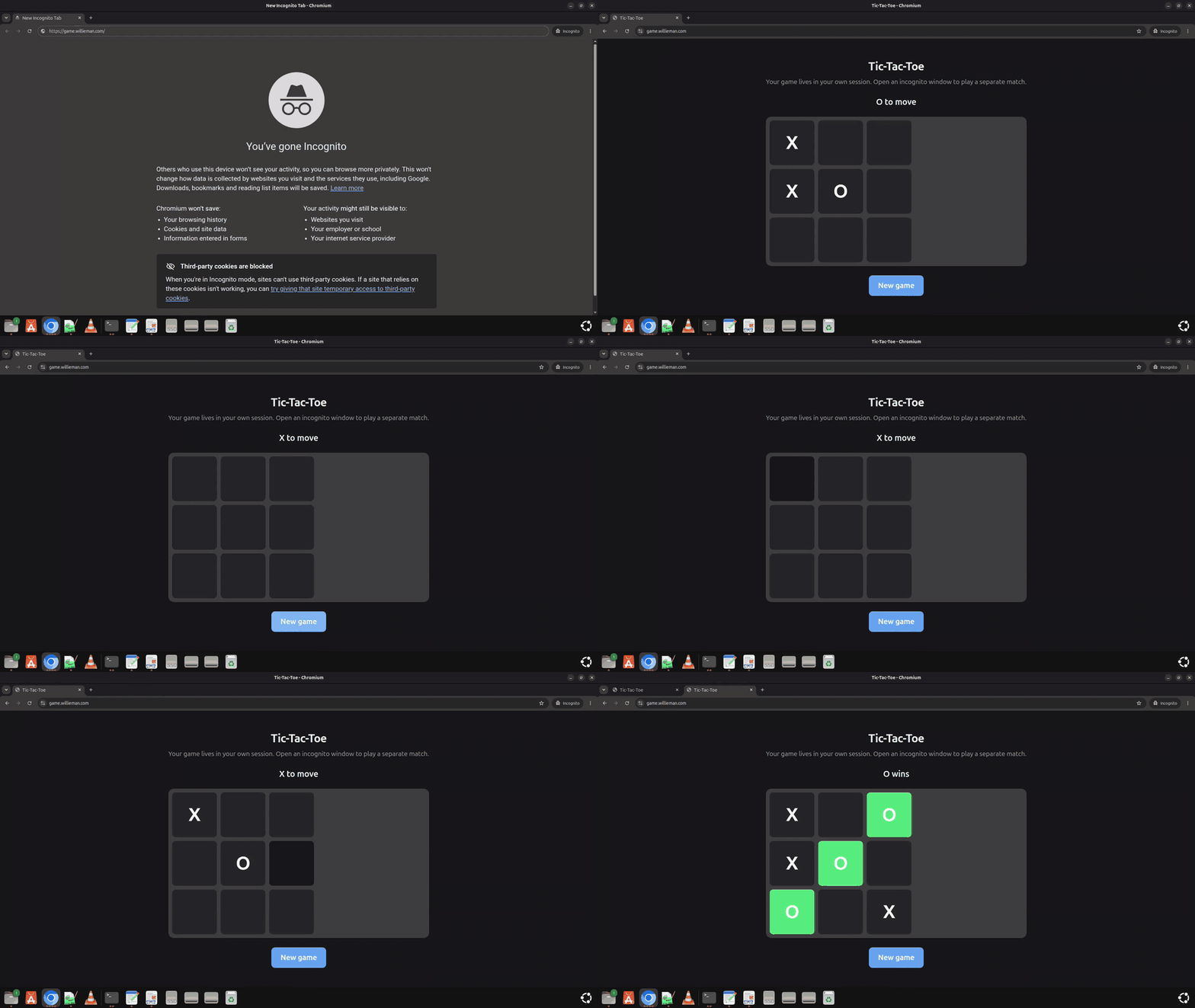
| Isolation | Two visitors play separate games; 0 of 30 reads lost a board |
| Reboot | The site came back on its own, about 30 seconds after a reboot |
Cost, and cleaning up
Lightsail bills hourly, so the demo cost cents a day, about $5 over a full month. One surprise: stopping an instance doesn’t stop the bill. Deleting it does. Everything lives in two CloudFormation stacks, one for the server and one for the deploy user, so teardown is one script. The script deletes both, confirms that no instance or static IP is left, and reminds you about DNS. Rebuilding from the repository takes about ten minutes.
Takeaways
- DNS for a single site is one record. The judgement is in what it points at (a static IP) and when you create it (before requesting a certificate).
- Check with
dig, against the authoritative nameserver and then against public resolvers, instead of refreshing a browser and guessing. - Plan the teardown before you deploy, and treat a dangling DNS record as a security bug.
- A deliberately boring app is a great way to learn infrastructure, because every failure is an infrastructure failure.
The code, templates, deploy and teardown scripts are on GitHub.
Enjoy Reading This Article?
Here are some more articles you might like to read next:
- The Global Refugee Crisis
- Reflections on 2024: Struggles, Wins, and Lessons
- Don’t get a (rescue) dog
- Sentiment Analysis with TF-IDF and Logistic Regression
- The Unseen Crisis: Why I Finally Read ‘How to Know a Person’
- Humour Seriously — A Reflection Essay
- A/B testing my own dashboard, and the ways it tried to lie to me
- I let the controls fail, and they told me things I didn't know
- I built a fantasy draft co-pilot, and the interesting part was everything it got wrong
- I Turned Six Years of Data Science Textbooks Into a Knowledge Base My AI Can Reason Over